
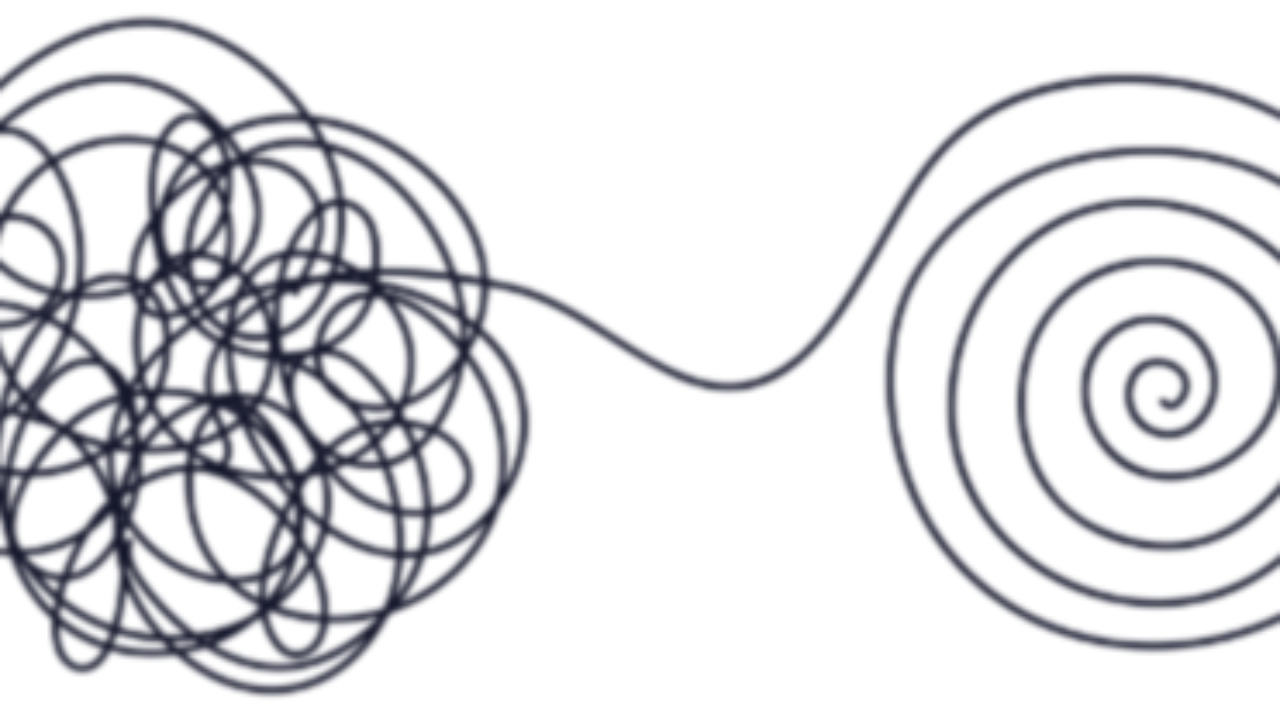
Information Overload: When Your Brain Has Too Much to Sort Through
Sep 22, 2026I opened my inbox and saw hundreds of unread emails waiting for me.
Some were newsletters I signed up for months ago. Some were promotions I was never going to use. There were emails I had already read but kept because I thought I might need them someday, and plenty I hadn’t opened because I wasn’t sure whether they were important.
So I did what most of us do when something feels like too much…I closed my inbox and decided I would deal with it later:)
Except later came, more emails arrived, and the number kept growing. Funny how that happens!
An overflowing inbox seems like a small thing, but it made me think about how much information we keep around “just in case.” Emails, screenshots, saved posts, open tabs, documents, notes, and lists all seem harmless on their own. Eventually, though, there is so much information available to us that figuring out what actually deserves our attention becomes harder.
Your Brain: What Happens With Information Overload?
Your brain is sorting through information all day long. Every email, notification, headline, message, and reminder gives it something else to process.
When too much information comes at you at once, it becomes harder to decide what matters and what doesn’t. Your attention gets pulled in different directions, and even simple decisions can start requiring more mental energy.
Your inbox is a perfect example.
When you open it and see hundreds of unread messages, your brain doesn’t immediately know which ones matter. You have to scan subject lines, recognize senders, decide what to open, figure out whether something requires action, and remember what you planned to come back to later.
That’s a lot of little decisions before you’ve even responded to one email (and we wonder why checking email can feel exhausting!).
The same thing happens outside your inbox. We save things because they might be useful someday, but every piece of information we keep gives us something else to sort through when we’re trying to find what we actually need.
Keeping everything doesn’t always make life easier. Sometimes having less to sort through is what helps us think more clearly.
Your O.F.T.™: What Am I Keeping Around “Just in Case”?
This week’s prompt is:
“What am I keeping around ‘just in case’?”
Maybe your inbox is full of newsletters you haven’t read in six months because you keep thinking you’ll get to them eventually (will you really?).
Maybe you have screenshots you don’t remember taking, browser tabs you haven’t looked at in weeks, or saved posts you thought would be useful someday.
Take a look at what’s hanging around and ask yourself whether you really need it.
You don’t have to clean out your entire digital life today…please don’t turn this into another giant project! Choose one place where information has been piling up and start there.
For this week, that might simply be your inbox.
Your Next Step Forward
Start with the easy stuff.
Delete the obvious junk. You don’t need to carefully review every email. If you know you don’t need it, delete it and move on.
Unsubscribe from three lists. Choose three emails you regularly delete without reading and hit unsubscribe. This isn’t just about cleaning up what’s already there. You’re also stopping some of the clutter from coming back (future you will appreciate this one).
Flag only what needs action. Instead of treating every email like something you need to remember, identify the ones that actually require something from you. Those are the ones that deserve your attention.
You don’t need to get your inbox to zero. Unless inbox zero makes you ridiculously happy…then go for it:)
The goal is simply to make it easier to see what matters.
You don’t need to perfectly organize every piece of information that comes into your life. Give less space to the things you don’t need so you have more attention available for the things you do.
Start with one inbox, three unsubscribes, and the emails that actually need you.
One F*cking Thing at a time.
